


Steps to Obtain an Online Vehicle Revenue License
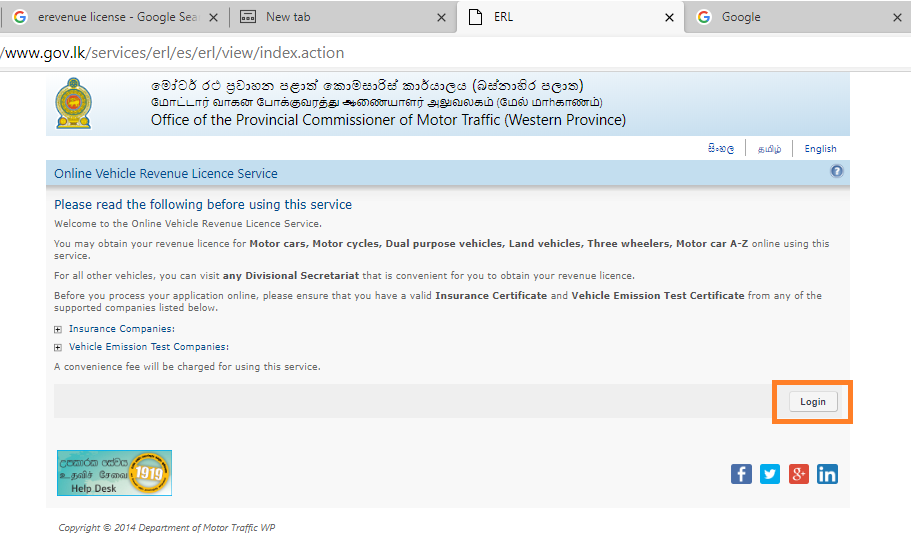
- Go to Online Vehicle Revenue Licence Service - ERL page and click the Login button.
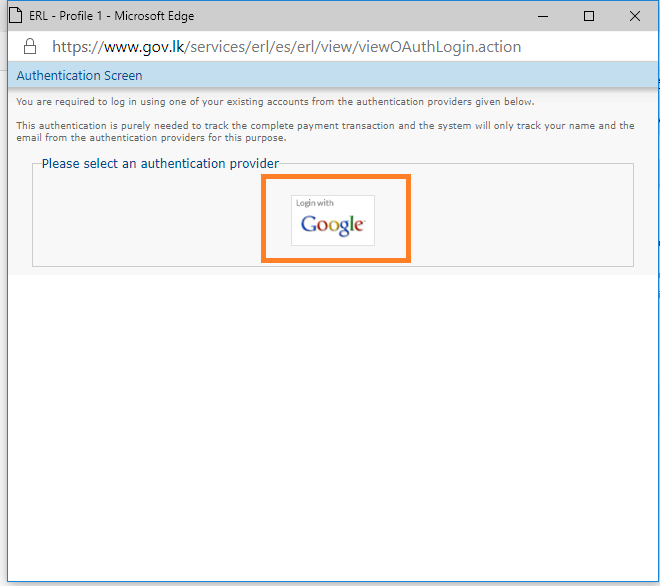
2. Select log in with Google and continue using your Gmail account.
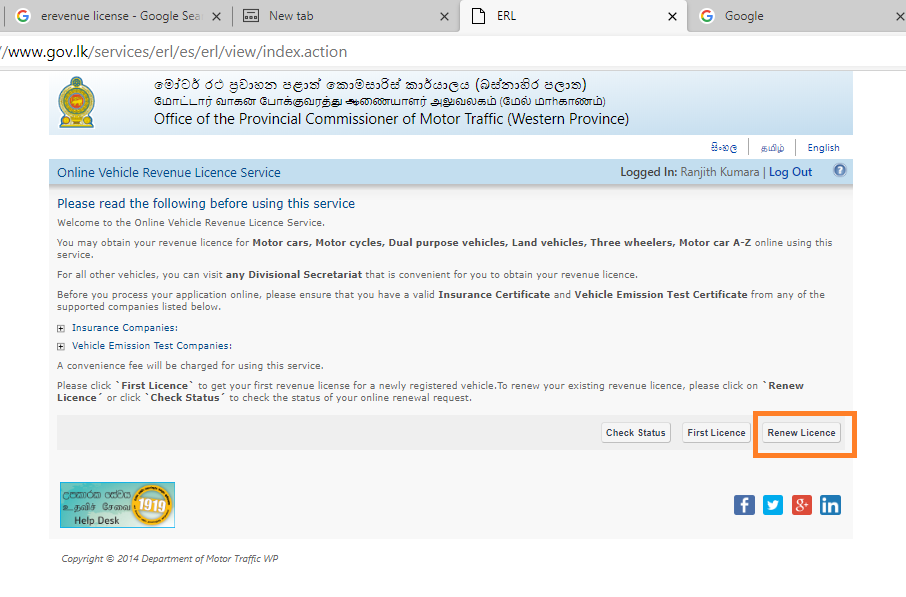
3. Click the Renew License button.
4. Then proceed with the information related to your vehicle. Enter your province, vehicle number, last year's license number, chassis number, and check that the vehicle owner's name and address are correct.
5. Choose the emission certificate issuer and the insurance company correctly and verify it.
6. Once you have entered all the information correctly, you will be directed to the payment system where you can pay the amount with any credit card or debit card that can be transacted online.
7. Once the payment is confirmed, a temporary printable license (valid for 14 days) will be sent by e-mail and the validated license will be posted within 07 days (under normal circumstances) to the owner's address by registered post.
Contact 1919 (Government Information Center) for more information.

